About This Game
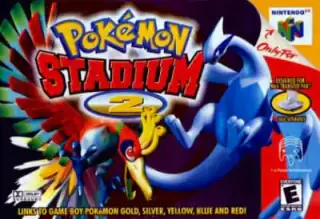
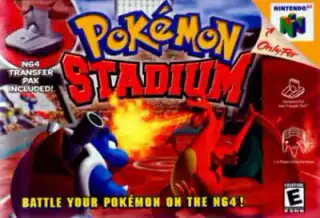
Battle Pokémon in N64 3D and try the minigames. Rental Pokémon let you build a battle team without importing a Game Boy save.
This is an official Pokémon release. EmulatorPokemon is not affiliated with Nintendo or The Pokémon Company.
How to Play
Choose Play now, then select a game language if prompted. Wait for the game to load.
Controls
- Movement
- Arrow keys
- A button
- X
- B button
- S
- Start
- Enter
- L button
- Q
- R button
- E
- Analog stick
- ↑ T · ↓ G · ← F · → H
- C buttons
- ↑ I · ↓ K · ← J · → L
- Z trigger
- Tab
Default keyboard controls are shown below. Saved custom bindings may differ; check or change them in the emulator’s controls menu.
N64 games use an analog stick and C buttons as well as A/B. A keyboard or gamepad may be easier than touch controls. Accessory and multiplayer support varies.
Use the game’s save option or the emulator’s save-state menu. Export a backup to keep a copy outside this browser.
Frequently Asked Questions
Which console is Pokémon Stadium for?
Pokémon Stadium was released for Nintendo 64. This page uses a browser emulator for that console.
Which languages can I play Pokémon Stadium in?
Available game versions: English. Choose a version before loading. Changing the website language does not translate the game.
How do I save my game progress?
Save from the game’s own menu, or use save states in the emulator menu. Browser saves do not sync between devices and can be lost when browser data is cleared.
Does it work on mobile?
N64 games use an analog stick and C buttons as well as A/B. A keyboard or gamepad may be easier than touch controls. Accessory and multiplayer support varies.
Is this game legal to play?
Use only game files you have permission to use and follow the rules where you live. This site does not grant rights to any game.
Game Information
- Platform
- N64
- Year
- 1999
- Generation
- Gen 1
- Type
- Official
Share This Game
Play now
Choose Play now, then select a game language if prompted. Wait for the game to load.
Play now